Somnium

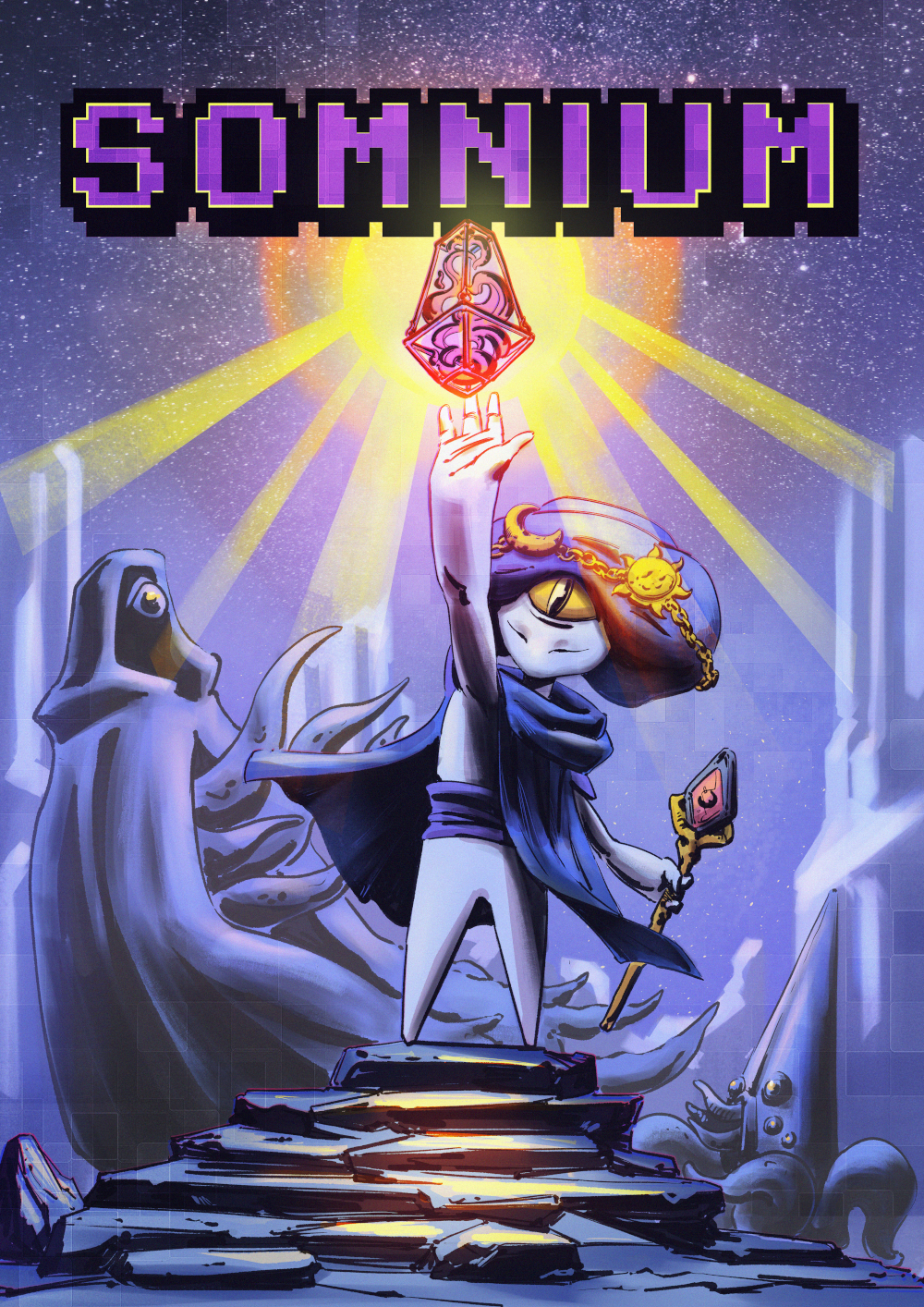
Main Responsibilities
- Enemies & AI. I worked on implementing prefabs for drag-and-drop enemy spawn points, aggro mechanics, attacks, navigation using Unity's NavMesh, dynamic spawn timers, and more.
- User Interface. Added UI for interactable world objects, HUD for controller tutorial, player health and upgrades.
- Interactables. Any in-world object which the player might interact with, such as potions, upgrades, lootboxes and weapons. The interaction system is featured during one of the game's more intense beats, and is used to change the layout of the world based on a quest object pickup event.
- Accessibility. Prototyped a breadcrumb trail system inspired by God of War Ragnarök that spawns a visual effect indicating where the player needs to go in order to progress.

Best Debut Game
Awarded by Futuregames Awards
Accessible Combat System
One of the team's biggest focus area was how to make the gameplay mechanics feel accessible. This video features mainly the auto-aim system, a system which automatically moves the player's aim towards the enemy if within a certain a view distance. The damage indication system is also noticable, giving the player an indication of the fact that they are being hurt, and from which direction the damage is coming from.
- Auto-aim system to help players with motor impairments
- Projectiles can be upgraded to home in on enemies
- Damage overlay to indicate from which direction an attack is coming from
Accessibility Features
As part of Somnium's ambition to deliver an as accessible game as possible, we implemented a set of accessibility features such as adjustable brightness, an adjustable pixel filter, as well as toggles for screen shake and camera bob. This video features the adjustable pixel filter, which is designed to help players with visual impairments to better distinguish between different objects in the world. As part of our development process, we reached out to people with color blindness in the hopes of getting more accurate data to guide us in our development.
- Adjustable pixel-filter
- Adjustable brightness
- On/off screen shake toggle
- On/off camera-bob toggle
Enemy AI & Spawn System
Enemies in Somnium were built around a modular spawn and behaviour system that allowed designers to quickly populate dungeon rooms with combat encounters using drag-and-drop prefabs.
- Drag-and-drop enemy spawn prefabs
- Aggro system based on player proximity
- Navigation handled through Unity NavMesh
- Dynamic spawn timers for encounter pacing
Thought Process
Spawn System Design
Enemies were designed to be placed quickly throughout the dungeon by designers. To support this workflow, enemy spawn points were packaged as prefabs with exposed parameters for spawn timing and enemy type. This allowed encounter layouts to be adjusted directly inside the Unity editor without modifying code, making iteration during level design faster.
Navigation and Combat Behaviour
Enemy navigation relied on Unity's NavMesh system, which provided a reliable solution for pathfinding inside the dungeon environments. Combined with an aggro detection system based on player proximity, enemies could patrol, detect the player and move into attack range.
Accessibility Features
Somnium was developed with "Accessibility" as a foundation. In this regard, I focused mostly on developing the tutorialization of the game, event-based light switches for navigational guidance and prototypes for a breadcrumb trail system.
- Breadcrumb trail prototype
- Aim Assist
- Tutorialized intro
Thought Process
Tutorialized Intro
We wanted to incorporate a tutorial of player mechanics, such as steering, light and heavy attacks, and object interactions, without disrupting the initial feeling of the game.
Based on "tutorial trigger zones", we mapped out where the player would feasibly exist within the world at which time, and based on these zones, we spawned different UI indicators that fit together with the surrounding area in order to teach the player the ropes. The UI indicators were placed either as part of the world, for example if there was an interactable object, or as part of HUD, if the indicator was hinting towards something more abstract such as steering.
Aim Assist
Keeping physical disabilities in mind, we wanted to create a system that helps the player lock on to a target if the aim was close enough the target. The system mainly checks if an enemy is already locked on to, and if not, steers the camera towards the center of that target.
Breadcrumb Trail Protoype
Inspired by 'God of War: Ragnarök', I wanted to try and make a breadcrumb trail of my own to guide the player towards certain checkpoints. The player could always spawn a breadcrumb trail that travelled toward the most attractive point of destination. These destination locations got continuously updated via events that triggered as the player reached their current checkpoint.